Salix Startup Guide · Chapter 2 of 6
Salix at a Glance
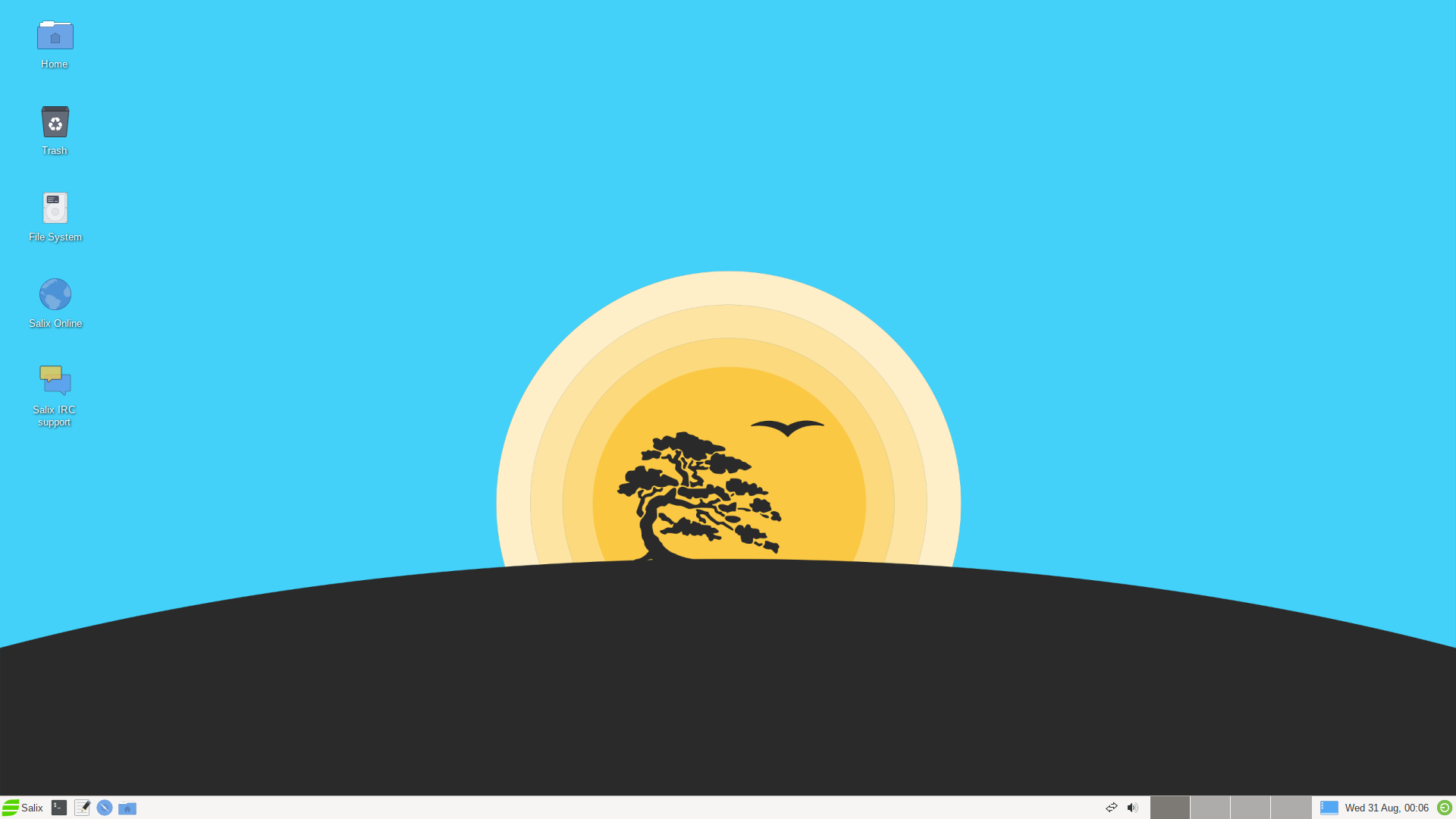
Salix is a Linux Distribution based on Slackware that retains full backwards compatibility with its illustrious parent. However, while the KISS principle that Slackware adheres to refers to the viewpoint of system design, Salix also applies it to the viewpoint of the end user.
Salix Features
- One application per task rationale.
- Fully backwards compatible with Slackware.
- Optimised for desktop usage.
- With Salix Tools to assist system management.
- High-quality package repositories with dependency support.
- Simple & fully localized system administration tools.
- Salix artwork.
- Supports 32-bit and 64-bit architectures.
- Comes with a complete development environment.
Installation Modes
Salix offers three software installation options: Full, Basic and Core, to meet your demands!
Performing a Full mode installation is the recommended way of installing Salix for most users. It includes a fully configured desktop environment with a complete selection of applications to fit the needs of most people, including office related software, multimedia applications, internet applications, all the Salix system configuration tools and more. Don’t let the word “Full” fool you, this is in no way a bloated installation since it adheres to the “one application per task” rationale. We feel that the collection of software that accompanies each respective desktop environment will cover most user’s needs but, of course, any user can tailor the software selection through the Salix package management tools as required.
A Basic mode installation is mostly targeted at advanced users. It includes only the desktop environment accompanied by a very minimal selection of software on top, namely the Salix system configuration tools and a web browser. Wi-fi connection tools or drivers are not present and only wired network connections are supported out of the box. The user is expected to know how to install extra software and tailor the installation to their needs.
A Core mode installation does not provide any graphical environment. It only installs a command line system, including the Salix command line system and package management tools. It is intended for expert users who know how to use the command line tools to administer their systems. It is most commonly used to set up types of server such as web-servers and e-mail servers. The servers that host the Salix websites are hosted on, run Salix installed using the Core mode method. Expert users can of course use this mode to install the X window system and any graphical environment on top of it if desired (see How to Install Xorg on Salix Core).
Salix Repositories & Package Management
Here are the key points you need to be aware of with respect to installing software on your Salix system:
- slapt-get and its graphical interface Gslapt are the primary tools used for package management.
- It is also possible to install software using Flatpaks. flatpak is available for installing software from the huge collection that is available in Flathub. Finally, slapt-src is included to allow building software from source using SBo as the primary source.
- A wide range of packages from Slackware, Slackbuild and Salix repositories.
- The Salix repositories offer dependency resolution support and are the largest third party software package repositories for Slackware offered to date.
- The Salix repositories are offered for both the 32-bit and 64-bit architectures.
“Like a bonsai, Salix is small, light & the product of infinite care.”